
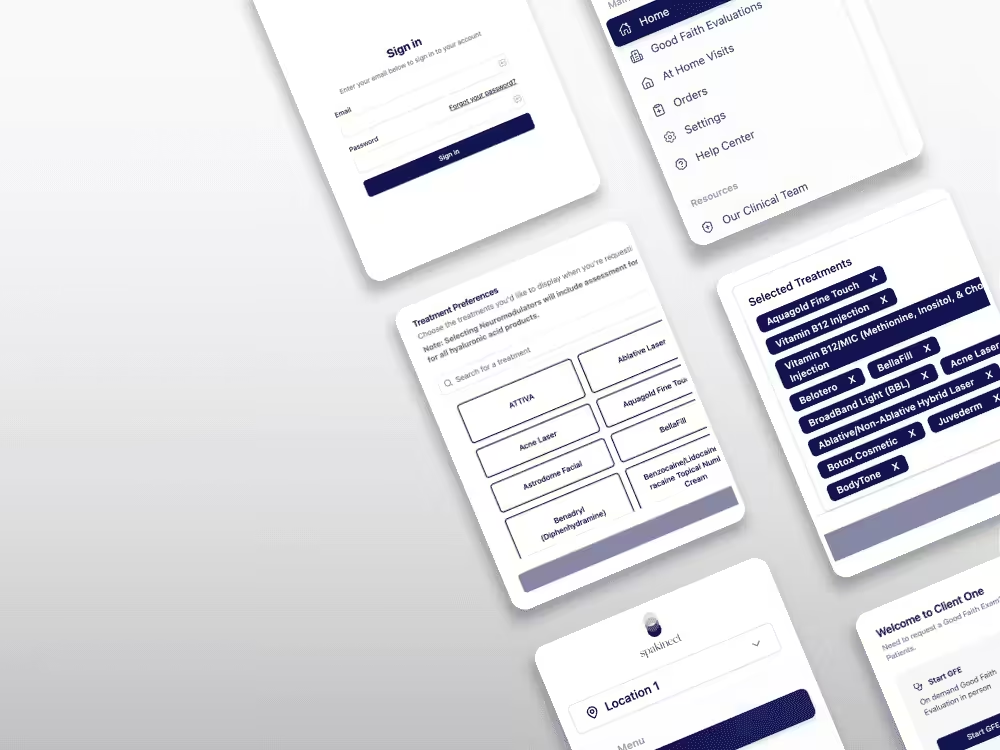
At Spakinect, we’re always looking for ways to help Med Spa teams stay compliant and streamline workflows. That’s why we’re excited to introduce Custom Treatment Lists to our Spakinect Client Portal: a feature that allows you to select multiple treatments with one click and customize them based on the packages you offer in your clinic.
Think of it like creating a playlist for your Med Spa. Just like your favorite songs, the treatments you need most are grouped together, ready to go with a single click.
This simple change makes a big difference for your Med Spa, your team, and your patients.

5 Ways Custom Treatment Lists Boost Your Efficiency
#1. Get Back Hours in your Week
No more scrolling through endless checkboxes for every single patient. One click, and you’re good to go.
#2. No More “Did We Miss Anything?”
Skip the second-guessing. Your treatment protocols stay consistent across all patients, so quality never slips through the cracks.
#3. Your Safety Net for Busy Days
Morning rush or busy season? The last thing you need is to worry about mistakes. Pre-saved treatment lists help ensure nothing gets missed.
#4. Less Admin, More Face Time
Your staff didn’t get into this field to check boxes all day. Get new patients started faster with one-click treatment authorization, so your team can do what they do best: care for patients.
#5. Your Services, Your Rules
Do you run different protocols for Botox and laser? Create separate treatment lists that match your Med Spa’s offerings and apply the right treatments in just one click.
Make a Real Difference in Your Workflow
Custom Treatment Lists are new to Spakinect and designed to make a noticeable difference in your Med Spa’s daily operations.
Learn how to apply Custom Treatment Lists in your client portal with our easy step-by-step guide. It takes minutes to set up and will save you and your team countless hours in the long run.